Understanding Push Notifications: A Comprehensive Guide
Push notifications have become an integral part of the user experience for mobile and web applications. They offer businesses a direct line of communication with users, allowing them to send timely updates, promotions, and personalized messages. In this blog, we will explore the business use cases, implementation methods, and technical foundations of push notifications, including GCM, FCM, APNs, device tokens, JSON payloads, deep links, and cross-platform functionality.
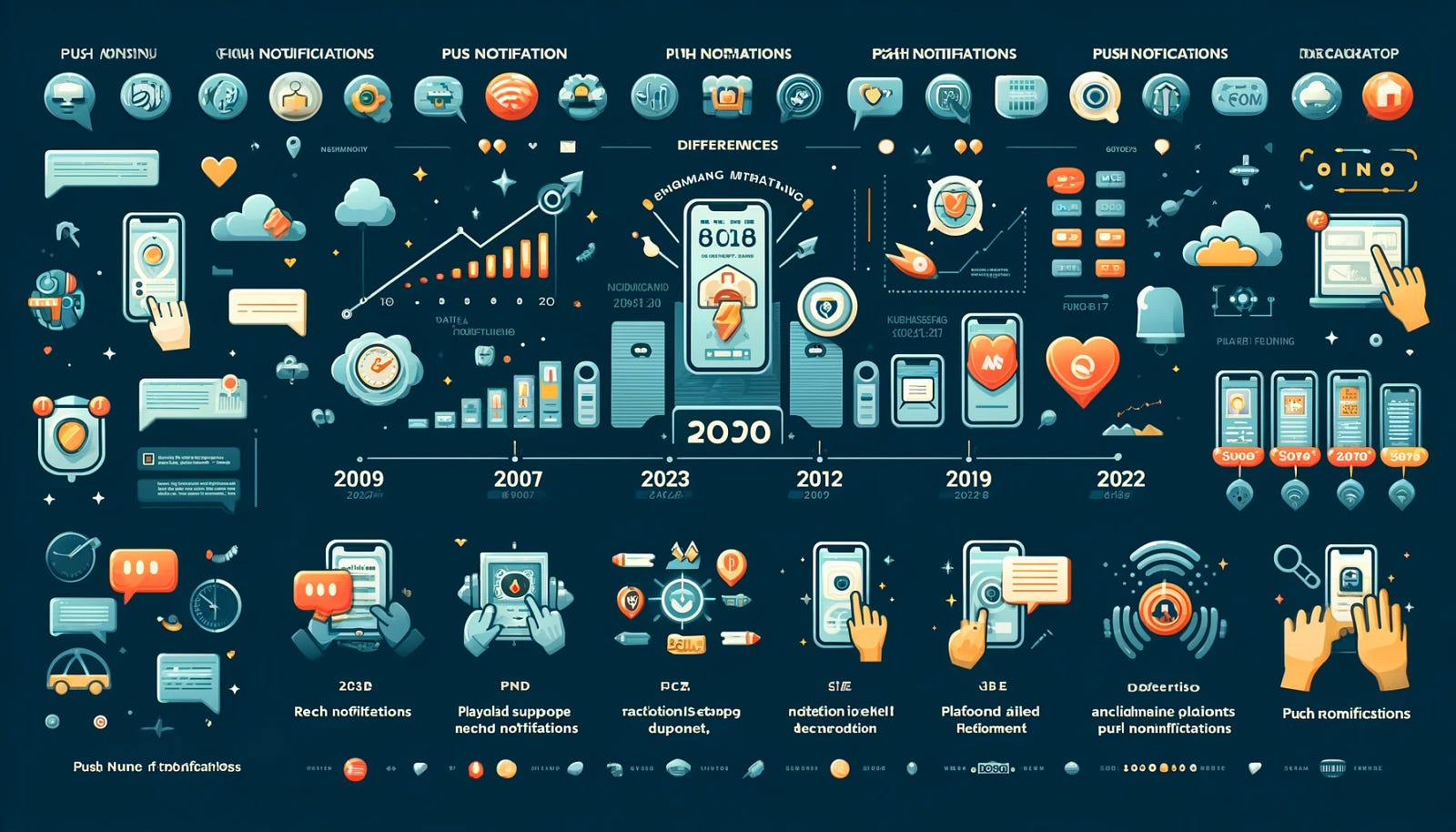
What are Push Notifications?
Push notifications are messages sent from a server to a client application, which can appear on a user’s device even when the application is not actively in use. They are a powerful tool for engaging users, increasing app retention, and driving conversions.
Business Use Cases for Push Notifications
1. User Engagement
Push notifications keep users informed about new features, content updates, or app usage tips, encouraging regular interaction with the app.
2. Promotions and Offers
Businesses can send personalized offers, discounts, and promotional messages, enhancing customer loyalty and driving sales.
3. Transactional Updates
Notifications can provide real-time updates about order status, shipping details, or appointment reminders, improving customer service.
4. Re-engagement
For inactive users, push notifications can serve as reminders to return to the app, helping to reduce churn rates.
How Push Notifications are Implemented
Implementing push notifications involves several key steps:
- User Registration: When a user installs the app, they must opt-in to receive notifications. The app collects a unique identifier known as a device token.
- Backend Server: The application’s backend server stores device tokens and manages notifications.
- Notification Service: Services like Firebase Cloud Messaging (FCM) for Android and Apple Push Notification Service (APNs) for iOS handle the delivery of notifications.
- Sending Notifications: When an event occurs, the server sends a notification request to the appropriate service, which then routes the message to the specified devices.
Understanding GCM, FCM, and APNs
Google Cloud Messaging (GCM)
GCM was Google’s original service for sending push notifications to Android devices. It allowed developers to send messages and notifications to their users, but it was eventually deprecated.
Firebase Cloud Messaging (FCM)
FCM is the successor to GCM. It offers enhanced capabilities, including better targeting, analytics, and support for both Android and iOS. FCM simplifies the implementation of push notifications, providing a unified platform for cross-device messaging.
Apple Push Notification Service (APNs)
APNs is Apple’s service for sending push notifications to iOS devices. It enables developers to send messages to iPhones, iPads, and macOS devices. APNs supports rich notifications, allowing for images, buttons, and custom sounds.
Differences Between APNs and FCM
The notifications in push services are divided into two components:
- Device Token (APNs): This is a unique identifier for each app installation on an iOS device.
- Device ID (FCM): This is the identifier used in the Firebase ecosystem for sending notifications to Android devices.
Within these two components, we find several differences:
- Payload Format:
FCM uses JSON payloads, while APNs can send notifications as either a string or a dictionary.
2. Payload Size:
FCM supports a maximum payload size of 2KB, whereas APNs allows up to 4KB.
3. Notification Storage:
APNs saves one notification per app, while FCM can store up to 100 notifications per device.
4. Platform Support:
FCM supports multiple platforms (Android, iOS, and web), while APNs is exclusive to Apple’s proprietary ecosystem.
5. Acknowledgment:
Acknowledgments can be sent in FCM when using XMPP, but this feature is not available in APNs.
History of Push Notifications
Push notifications have been around longer than you may think. Here’s a brief timeline of their development:
- June 2009: Apple launches Apple Push Notification Service (APNs), the first push service.
- May 2010: Google released its own service, Google Cloud to Device Messaging (C2DM).
- May 2013: Google introduces “rich notifications.” These notifications can contain images and action buttons, enabling users to take immediate actions from a notification.
- September 2014: Apple adds interactive buttons, allowing users to send a response right away to the app publisher. Shortly after, Apple extends push notifications to the Apple Watch.
- September 2016: Apple adds support for rich notifications in iOS 10.
- August 2017: Google introduces notification grouping with Notification Categories and notification dots, similar to iOS badges.
- September 2018: Apple introduces several updates, including notification grouping and quiet notifications for a less intrusive experience. Google adds suggested notification muting in Android P.
- August 2021: Google adds support for notification snoozing, along with a redesigned notification user experience.
- September 2021: Apple introduces focus modes for controlling notification delivery and new interruption levels.
- August 2022: Google requires users to opt into notifications on Android devices with Android 13.
- October 2022: Apple enhances push notifications with Live Activities, allowing users to stay updated on various events without receiving multiple notifications.
How Do Push Notifications Work?
Several actors are involved in sending a push notification:
- Operating System Push Notification Service (OSPNS): Each mobile operating system (OS), including iOS, Android, Fire OS, and Windows, has its own push notification service.
- App Publisher: The app publisher enables their app with one or more OSPNSs and uploads the app to the app store.
- Client App: This is the OS-specific app installed on a user’s device that receives incoming notifications.
JSON Payload for Push Notifications
A JSON payload is the data structure sent to the notification service containing the notification details. Here’s a typical example of a JSON payload:
{
    "to": "device_token",
    "notification": {
        "title": "New Message",
        "body": "You have received a new message from John.",
        "icon": "icon.png",
        "click_action": "FLUTTER_NOTIFICATION_CLICK"
    },
    "data": {
        "key1": "value1",
        "key2": "value2"
    }
}
Explanation of JSON Keys
- to: The device token or the topic that the notification is sent to.
- notification: Contains the details for the notification displayed to the user.
- title: The title of the notification.
- body: The main content of the notification.
- icon: The icon displayed alongside the notification.
- click_action: Defines the action to be taken when the notification is clicked (e.g., opening a specific activity in the app).
- data: Key-value pairs used to send additional data that can be processed by the app when the notification is received.
Different Kinds of Push Notifications
- Rich Notifications: These notifications include images, videos, or interactive elements, enhancing user engagement.
- Silent Notifications: These are background notifications that do not alert the user but can trigger updates or background processes.
- Location-Based Notifications: Notifications triggered based on the user’s location, enhancing relevance.
- Transactional Notifications: Notifications related to specific transactions, such as confirmations or alerts about changes.
Understanding Deep Links
Deep links are URLs that direct users to specific content within an app rather than just launching the app’s homepage. They are essential for enhancing user experience, as they guide users to relevant content.
Connection Between Deep Links and Push Notifications
Deep links can be included in push notifications to direct users to specific pages within an app. For example, a promotional notification for a specific product can contain a deep link that takes the user directly to the product page when clicked. This improves the likelihood of conversions, as users can access targeted content with minimal friction.
Cross-Platform Notifications for iOS and Android
To ensure that the same user receives the same notifications on both iOS and Android devices, developers utilize the same backend infrastructure to manage device tokens and user accounts. This includes:
- Unified Backend: The backend server tracks user activity and preferences, regardless of the platform.
- Token Management: Each device generates its device token (FCM for Android, APNs for iOS). The server associates these tokens with the user’s account, enabling personalized notifications across devices.
- Consistent Messaging: The server sends identical notifications to both tokens, ensuring users receive the same information, irrespective of the operating system.
Conclusion
Push notifications are a vital tool for businesses aiming to engage their users effectively. By understanding the different components, technologies, and strategies involved, organizations can harness the power of push notifications to enhance user experience, drive engagement, and increase conversions. Whether through targeted promotions or real-time updates, push notifications remain a cornerstone of modern app communication strategies.
This comprehensive blog draft should serve as a valuable resource for readers interested in understanding push notifications and their operational dynamics. You can further enhance it by adding visuals, real-world examples, or case studies to illustrate the concepts.
Comments
Post a Comment