Elastic Load Balancing and Auto Scaling: The Secret Weapons Behind Cloud Resilience
In today’s fast-paced, tech-driven world, we all expect our favorite apps and websites to load instantly, no matter how many people are using them. But behind the scenes, this is only possible because of a critical engineering concept called scaling. Let’s dive into what scaling is, why it matters, the benefits, potential drawbacks of not having scalable systems, and the two main types of scaling — horizontal and vertical. We’ll also explore how popular cloud providers like AWS, Azure, and Google Cloud support scaling, as well as the essential role of load balancers like ELB (Elastic Load Balancer). This guide aims to explain scaling from scratch, making it easy for beginners while also serving as a solid refresher for experienced developers.
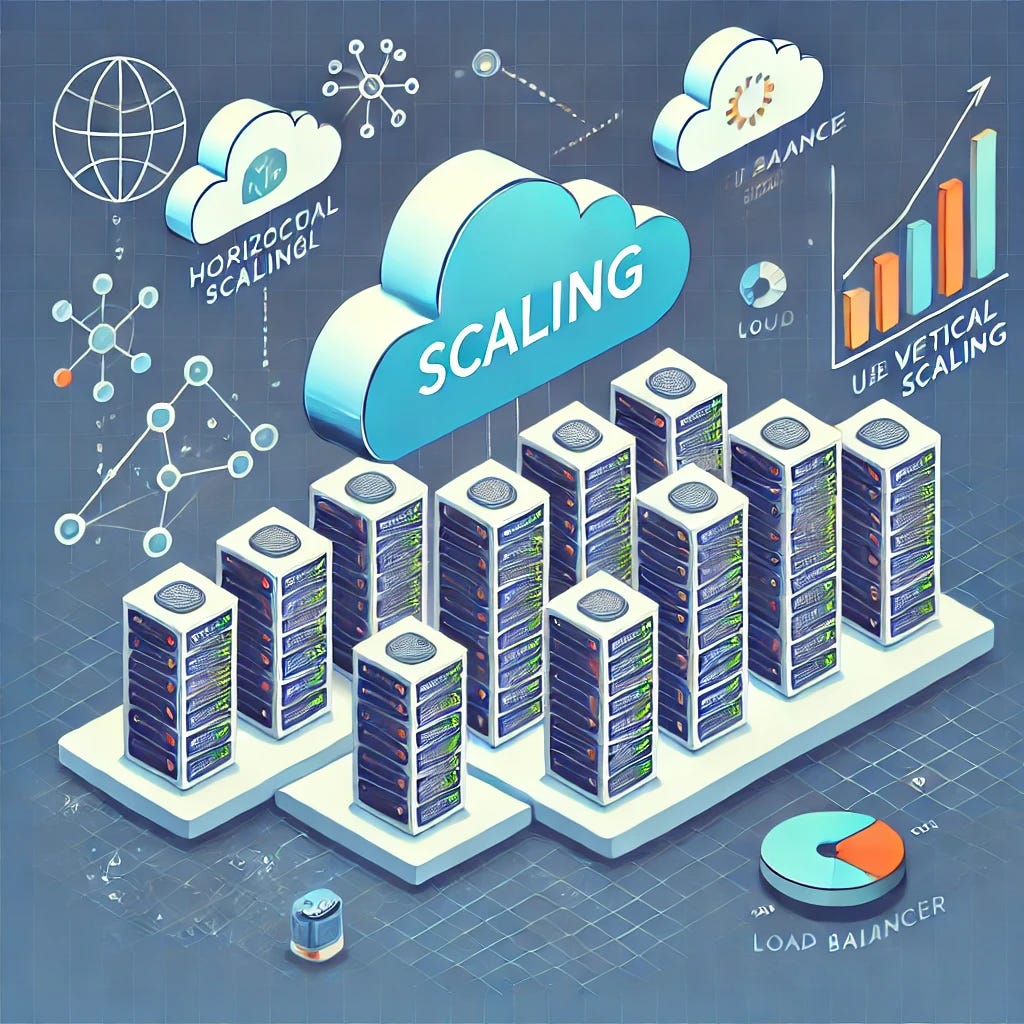
What is Scaling?
Scaling in software engineering refers to the ability of a system to grow in capacity or performance to handle increasing loads. Imagine a small restaurant that initially serves ten people per hour. If the restaurant gets more popular and starts getting a hundred customers per hour, it would need to expand its seating, increase staff, and upgrade its kitchen equipment to serve more people without slowing down or reducing service quality. Similarly, in software, scaling ensures that a system can handle growing demands — whether that’s more users, larger amounts of data, or faster response times.
Why is Scaling Required?
As user expectations and business requirements grow, so does the demand on the systems supporting them. Without scaling, systems can easily become overwhelmed, leading to slower performance, frustrated users, and potentially lost revenue. Here are a few reasons scaling is essential:
- Increased Demand: More users mean more requests per second, more data to process, and potentially more complexity.
- Performance: Users expect fast responses. When demand spikes, an unscalable system becomes slow, harming user experience.
- Reliability: Scalable systems are better equipped to handle unexpected load increases (e.g., viral posts or product launches) without crashing.
- Cost-Effectiveness: Scalable systems allow you to optimize resources, which is critical for keeping infrastructure costs manageable as the system grows.
Benefits of Scaling
- Better User Experience: With effective scaling, users can access your service without delay, even during peak times.
- Enhanced Performance and Speed: Well-scaled systems are faster and more responsive, which improves user satisfaction and trust.
- Improved Reliability and Resilience: Scaling helps build systems that can handle unexpected traffic spikes or issues, making the system more robust.
- Cost Savings: By adding resources only as needed, scaling enables companies to optimize expenses effectively.
Harmful Effects of Not Scaling
If a system cannot scale as demand grows, here are some potential issues:
- Poor Performance: Slow loading times or unresponsive services drive users away, which can result in revenue loss.
- System Downtime and Outages: When systems are not scalable, they often experience frequent downtimes under high load, causing service disruptions.
- High Maintenance Costs: Unscalable systems often require constant “band-aid” solutions, which can become costly over time.
- Lost Competitive Edge: If your system can’t handle the load, competitors with more scalable solutions can easily attract your users.
Types of Scaling: Horizontal vs. Vertical
There are two main ways to scale a system: Vertical Scaling and Horizontal Scaling. Both approaches have their benefits and limitations, and the choice often depends on the specific needs of the system.
1. Vertical Scaling
Vertical Scaling, also known as “scaling up,” means increasing the capacity of a single server or machine by adding more resources, such as CPU, memory (RAM), or storage.
Example: Imagine upgrading a computer by adding more RAM or a faster processor so it can handle more tasks. In a server, this would mean adding more power to handle higher loads.
Pros of Vertical Scaling:
- Simple to Implement: Often requires only adding more resources to an existing server, which is straightforward.
- Less Complexity: Managing one powerful server can be easier than managing many smaller ones.
Cons of Vertical Scaling:
- Physical Limits: There is a cap to how much you can add to a single machine before it becomes impractical.
- Single Point of Failure: If the server goes down, there is no backup, so downtime risk increases.
- Cost: Upgrading a single machine to high-end resources can be very expensive.
2. Horizontal Scaling
Horizontal Scaling, or “scaling out,” involves adding more servers to share the load. Instead of making a single machine more powerful, you add more machines, which work together as a team.
Example: Imagine a call center where you add more agents (servers) to handle increasing call volumes. Each agent works on a different call, making the center more efficient as demand rises.
Pros of Horizontal Scaling:
- High Fault Tolerance: If one server fails, others can continue to work, reducing the risk of downtime.
- Easier to Scale Large Systems: Adding more servers is often cheaper and can be done indefinitely (up to certain limits).
- Flexibility: Works well for cloud environments, where you can add or remove resources based on demand.
Cons of Horizontal Scaling:
- Complexity: Managing many servers introduces more network, data synchronization, and software configuration challenges.
- Data Consistency: Ensuring all servers have the latest data can be difficult, especially in real-time applications.
- Additional Costs: Even though adding servers can be cheaper initially, horizontal scaling can introduce network and management costs as complexity grows.
Scaling in the Cloud: AWS, Azure, and Google Cloud
Cloud providers make scaling easier through services that allow resources to scale automatically, adapting to real-time demand. Here’s how some of the main cloud providers handle scaling:
- AWS (Amazon Web Services):
Auto Scaling: AWS offers Auto Scaling, which can automatically adjust the number of instances (servers) based on demand. For example, during high-traffic periods, Auto Scaling can add more instances, and during low-traffic times, it can reduce them to save costs.
Elastic Load Balancing (ELB): ELB distributes incoming traffic across multiple instances to ensure even workload distribution and reliability. This helps prevent any one server from being overwhelmed, making the system more responsive and resilient.
2. Azure (Microsoft Azure):
- Azure Virtual Machine Scale Sets: Similar to AWS Auto Scaling, Azure offers Virtual Machine Scale Sets, which let you deploy and manage a set of identical VMs. These can scale out or scale in based on defined rules, like CPU usage or request count.
- Azure Load Balancer: Azure’s Load Balancer ensures traffic is distributed evenly across instances, helping to avoid overloading any single VM and maintaining high performance.
3. Google Cloud Platform (GCP):
- Google Cloud AutoScaler: GCP offers Autoscaler for virtual machines, which monitors CPU, memory usage, and other metrics to adjust resources automatically.
- Google Cloud Load Balancer: This load balancer helps balance the traffic across multiple instances, regions, or even hybrid deployments, making it ideal for high-demand, globally distributed applications.
Understanding Load Balancing with ELB (Elastic Load Balancer)
A critical element in scaling systems, especially with horizontal scaling, is the Load Balancer.
Load balancers distribute incoming traffic across multiple servers, or instances, ensuring that no single server becomes overloaded. This improves both reliability and performance by directing user requests to the least busy instance. For example, if you have five servers and traffic surges, the load balancer ensures each server takes a fair share, so users continue to experience fast response times.
Elastic Load Balancer (ELB) by AWS is one of the most popular load balancers in the cloud:
- How it Works: ELB routes incoming requests to multiple Amazon EC2 instances based on the current load and availability. It continuously checks the health of each instance and stops sending requests to instances that are unavailable, redirecting them to healthy ones.
- Types of Load Balancers in ELB:
- Application Load Balancer (ALB): Works at the application layer (Layer 7) and is suited for HTTP and HTTPS traffic, with features like path-based routing.
- Network Load Balancer (NLB): Works at the transport layer (Layer 4) and is designed for handling massive amounts of TCP traffic, ideal for low-latency requirements.
- Classic Load Balancer: A simpler, older version supporting both Layer 4 and Layer 7 routing.
Together with auto-scaling, ELBs play a crucial role in managing high-demand applications, ensuring smooth, efficient, and resilient performance.
Wrapping Up
Scaling is an essential concept for building robust, reliable, and high-performing systems. With the help of cloud providers like AWS, Azure, and GCP, developers can take advantage of auto-scaling and load balancing to create applications that scale effortlessly as demand grows. For freshers and experienced professionals alike, grasping the basics of scaling, load balancing, and cloud infrastructure is crucial to building scalable, high-performance systems.
Comments
Post a Comment